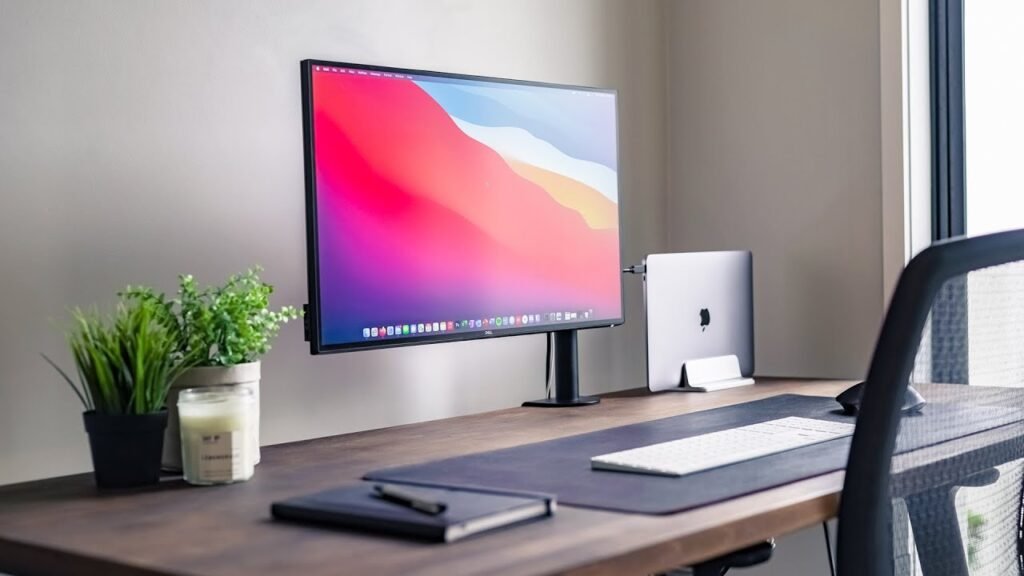
SeedTree delivers powerful subliminal affirmations that flash on your screen for milliseconds — invisible to your conscious mind, yet deeply absorbed by your subconscious while you work, code, browse, or create.
Available on:
- Mac App Store (Native Apple Store App)
- Buy Now (Native Desktop App)
Full Apple Silicon & Intel Support
SeedTree runs natively on every Apple Silicon Mac for maximum performance and efficiency — lightweight, with fast startup and minimal battery impact:
- M1 (MacBook Air/Pro 2020+, iMac 2021+, Mac mini, etc.)
- M2 series
- M3 series
- M4 and future chips
- Intel chips
Intel Macs are fully supported too — the app ships as a Universal binary that runs natively on both Apple Silicon and Intel, so there’s no Rosetta translation layer and no performance penalty on either architecture.
Minimum System Requirements
- macOS 12.0 Monterey or later
- Apple Silicon Mac (M1 or newer) or Intel Mac
- 4 GB RAM (runs smoothly on base configurations)
- ~150 MB free disk space
Compatible with the latest macOS versions, including Sequoia and beyond.
Private by Design
For Mac users — especially developers and professionals — what runs in the background matters. SeedTree is built with that in mind:
- Everything stays on your Mac. Your affirmations and settings live locally on your device.
- No tracking, no account required to run the app.
- No invasive permissions. SeedTree doesn’t need screen recording or accessibility access to do its job.
- Signed, notarized, and sandboxed. The Mac App Store version is fully sandboxed, and the desktop version is signed and notarized by Apple — so Gatekeeper won’t flag it, and you know exactly what you’re installing.
Built to Disappear Into Your Workflow
You stay in control of how SeedTree shows up:
- Write your own affirmations, or start from built-in sets for confidence, focus, and habits
- Adjust how often messages appear and how long each one is on screen
- Lives quietly in the menu bar
- Works across multiple displays
- Respects full-screen apps so it never breaks your focus
Why Mac Users Choose SeedTree
Turn your Mac into a quiet space for daily mental conditioning:
- Reinforce a confident, success-oriented mindset
- Keep new habits front of mind
- Counter limiting self-talk with positive affirmations
- Stay focused on your goals as you work
Perfect for developers, designers, creators, and professionals. Zero workflow interruption — it runs efficiently even during heavy tasks in Xcode, Safari, Final Cut, or any app.
Many users report feeling more focused and motivated with consistent use. SeedTree is a passive reinforcement tool.
Get Started in Seconds
- Download from the Mac App Store, or purchase the desktop version
- Customize affirmations to your goals
- Run it in the background and use your Mac as usual
7-day money-back guarantee — try it risk-free.
Mac FAQ
Does SeedTree need any special permissions? No. It doesn’t require screen recording or accessibility access to display affirmations.
Will it slow down Xcode builds or other heavy tasks? No. SeedTree is designed to stay lightweight and idle most of the time, using minimal CPU and memory so it doesn’t compete with demanding apps.
Does it work on Intel Macs? Yes. The Universal binary runs natively on both Apple Silicon and Intel — no Rosetta required.
Does it run on the latest macOS? Yes. SeedTree supports macOS 12 Monterey through the latest releases, including Sequoia and beyond.
Where do my affirmations and data go? They stay on your Mac.
What if it’s not for me? Every purchase includes a 7-day money-back guarantee.
On Windows? See the SeedTree for Windows version, native on both x64 and ARM.